
Is the Galaxy A55 Good Enough for Roblox?
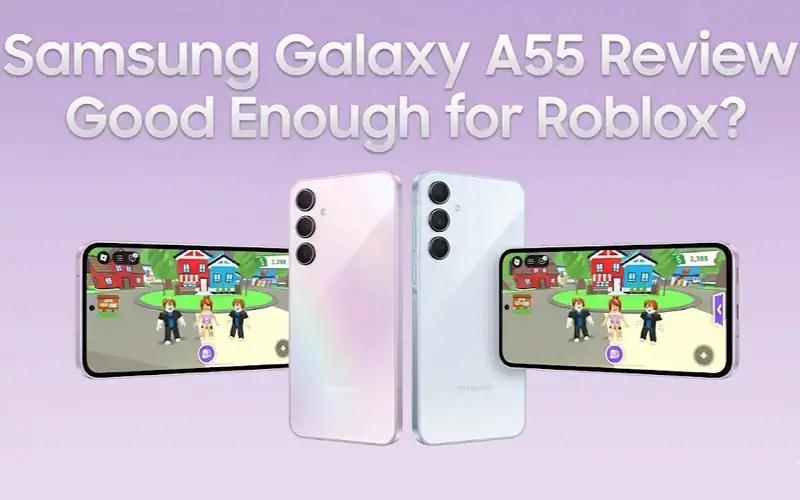
Roblox runs well on the Samsung Galaxy A55 for a mid-range phone, with some real caveats worth knowing before you spend the money. Most Roblox experiences give you smooth framerates, little stuttering and solid battery life. Push it into high-player-count servers or graphically dense worlds and the limitations show up quickly. Here’s what to expect.
How this guide was put together: we haven’t benchmarked this phone ourselves. This is a research based breakdown built from published specifications and community reports.
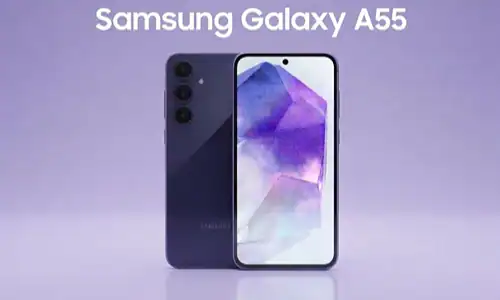
The Galaxy A55 for Playing Roblox
The A55 is built around Samsung’s Exynos 1480 with an Xclipse 530 GPU, a step up from the A54’s Exynos 1380. In Roblox the difference is not subtle, because the newer GPU handles the shading and lighting in modern Roblox worlds far more gracefully than its predecessor did.
The 6.6-inch 120Hz Super AMOLED display deserves a mention of its own. Roblox on mobile is a game of visual reaction: spotting obstacles, responding to other players, timing parkour jumps. At 120Hz, touch input has an immediacy that 60Hz budget phones cannot match, and that alone is a reason to consider the A55 over cheaper options.
RAM matters here more than people expect. The 8GB base model handles Roblox fine on its own. The realistic scenario, with Roblox open, Discord running in the background and browser tabs alive, is where memory pressure starts to show. Samsung’s RAM management has improved, but don’t expect seamless app switching while running the full stack a typical Roblox player keeps open. A 12GB configuration exists and is the better buy if you can find it.
Roblox Performance by Game Type
Roblox experiences vary enormously in how demanding they are, and the pattern on a chip like the Exynos 1480 is consistent.
| Game Type | Expected Behaviour on High | Expected Behaviour on Low | Thermal Impact |
|---|---|---|---|
| Simple obbies and platformers | Smooth, near the frame cap | Smooth | Minimal |
| Roleplay worlds, medium complexity | Mostly smooth with occasional dips | Smooth | Mild warmth |
| High-poly simulator games | Noticeable dips under load | Smooth | Moderate heat |
| High-player-count battle games, 50+ players | Frequent dips, playable but not clean | Mostly smooth | Noticeable heat |
| Front-page trending games at peak load | Struggles, drops well below the cap | Playable with some dips | Most significant |
The takeaway is straightforward. On Low settings the A55 runs nearly everything smoothly. On High, simple experiences hold up while the busiest worlds find the chip’s ceiling.
The Heating Question
The A55 gets warm under sustained Roblox load. In a demanding world the back of the phone becomes noticeably hot, and while it doesn’t throttle hard enough to cause crashes, long sessions in effect-heavy games do produce a measurable performance drop over time.
The usual trigger is extended play in server-heavy games with lots of particle effects. Explosions, fire, high player counts: these push the A55 harder than most reviews test for. If you run two hour sessions in busy roleplay servers, thermals become a genuine consideration rather than a footnote.
A phone stand or a clip-on cooling fan helps more than it sounds like it should, because most of the problem is heat having nowhere to go while the phone sits in your hands.
How to Optimize Roblox Settings on the Galaxy A55
Set graphics manually, not automatically
Roblox auto-detects your hardware and consistently sets the A55 higher than it should. Manual graphics level 3 or 4 gives you a far steadier framerate for very little visual loss. This is the single biggest change you can make.
Limit background app activity
In Samsung’s settings, restrict background activity app by app, leaving Roblox and your voice chat app alone. This frees RAM for active gameplay and stops the micro-stutters that happen when the system decides to refresh a social app mid-match.
Turn on Game Booster performance mode
Samsung’s Game Launcher includes a performance mode that prioritises CPU and GPU for the running game. Most A55 owners never open it. It costs nothing and it helps.
Keep the battery above 20% in long sessions
Samsung’s battery management begins conserving power as the charge gets low, which shows up as reduced performance late in a session. Plugging in for long play sessions avoids it, though be aware charging while gaming adds heat.
Galaxy A55 vs Competing Phones for Roblox
| Phone | Chip | Released | Notes for Roblox |
|---|---|---|---|
| Samsung Galaxy A55 | Exynos 1480 | March 2024 | 120Hz AMOLED, 5000mAh, 25W charging |
| Samsung Galaxy A56 | Exynos 1580 | March 2025 | Newer 4nm chip, 45W charging, six years of updates |
| Samsung Galaxy A57 | Exynos 1680 | April 2026 | Current model, IP68, roughly 12 to 15% faster than the A56 |
This is the uncomfortable part of the answer. The A55 is now two generations old, and its own successors undercut the case for buying one new. The A56 pairs a newer Exynos 1580 with 45W charging against the A55’s 25W, and has been selling around $385, which is less than the A55’s original price. The A57 launched at $549 in April 2026 with a further 12 to 15% CPU and GPU gain over the A56.
So the A55 remains a perfectly good Roblox phone if you already own one, or if you find one cheap secondhand. As a new purchase in 2026, the A56 is the better buy at a lower price.
Things People Get Wrong
| Mistake | What to Do Instead |
|---|---|
| Judging by the first ten minutes | Any phone is fast when cool. What separates mid-range phones is how they hold up around the hour mark in a demanding world. |
| Trusting Roblox’s Auto graphics setting | It routinely sets the A55 too high, which causes inconsistent performance. Set the level manually. |
| Expecting advertised battery life while gaming | The 5000mAh cell is strong, but Roblox at 120Hz is power hungry. Real play time lands well below general-use figures. |
FAQ
Is the Samsung Galaxy A55 good for gaming?
Yes for casual and moderate gaming. The Exynos 1480 and the 120Hz display keep most games smooth and responsive. Graphically intense titles at high settings expose its mid-range ceiling.
Can the Galaxy A55 run Roblox without lag?
In most Roblox experiences at medium to high settings, yes. In heavily populated servers or complex worlds on high settings, expect dips. Dropping to low settings resolves most of it. If the game refuses to start at all rather than running slowly, that is a separate problem and the fixes for Roblox not loading apply instead.
Does the Galaxy A55 overheat playing Roblox?
It gets noticeably warm during extended play. Not dangerously hot, but enough to affect comfort and sustained performance in long sessions. A cooler or short breaks prevent the worst of it.
Should I buy the A55 or the A56 for Roblox?
The A56, in almost every case. It uses a newer Exynos 1580, charges at 45W rather than 25W, carries six years of software support, and has been available at around $385, which is below what the A55 cost at launch. Buy the A55 only if you find one significantly cheaper secondhand.
How much RAM does Roblox need on Android?
Roblox itself runs comfortably in a few gigabytes, but real-world use with a voice chat app, browser and social apps open pushes total usage higher. The A55’s 8GB base configuration copes, and the 12GB version copes better.
Is the Exynos 1480 good for mobile gaming?
It’s a capable mid-range chip and a clear improvement on the Exynos 1380 before it. It sits behind the newer Exynos 1580 and 1680 in the A56 and A57. For Roblox specifically it is more than sufficient at medium settings.
What to Do Next
If you already own an A55, it is a legitimate Roblox phone and the settings above will get more out of it than most owners ever do. Set graphics manually and turn on Game Booster from day one.
If you are buying new in 2026, price the A56 first. It is newer, charges faster, carries longer software support, and has been cheaper than the A55 was at launch. Check Samsung’s official specs page for region-specific configurations before you commit, since A-series RAM and storage options vary by market.
Share this article

Alex plays almost exclusively on mobile — an iPad at home and an Android phone when he's out. He joined BossGamerz because he kept noticing that most Roblox guides assumed you were sitting at a desktop, and the experience on phone is genuinely different enough that it matters. Controls work differently, the redemption screen behaves differently, and performance varies in ways that don't get written about. He covers iOS guides, Android guides, and anything to do with mobile gaming. He's tested every guide he's written on real devices, not an emulator.
View all articles